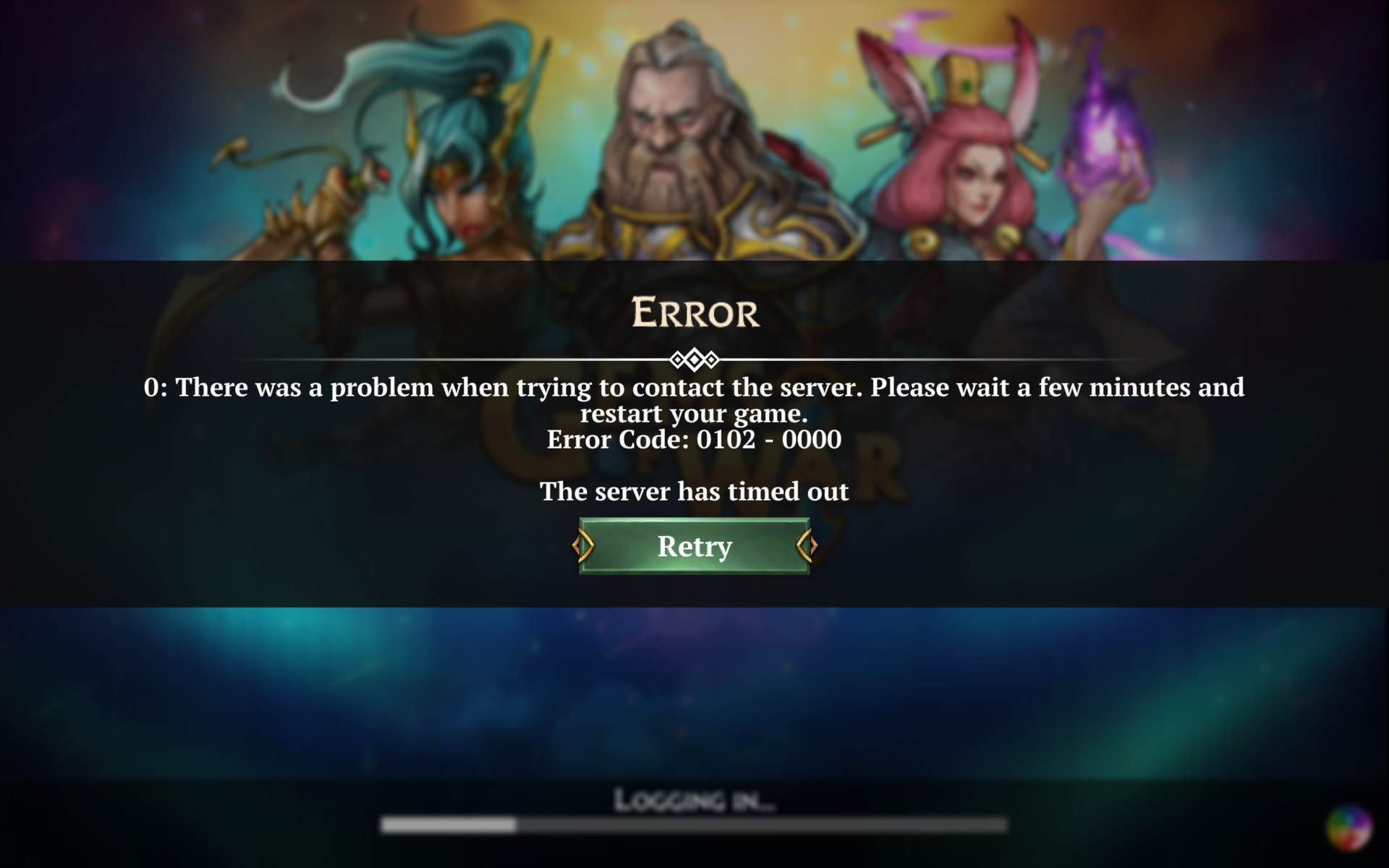
What you were expecting to happen, and what actually happened: After updating GoW to 9.4 I can’t go into the game. It seems that log is successful but I cant go in. Before update everything was ok. Attached please find screen with log in screen and second screen with constant screen and the record of the screen.
Steps to make it happen again open the app. I even reinstalled it, but didn’t help.
How often does this happen? When did it begin happening? every time
ENSURE YOUR INVITE CODE IS IN YOUR PROFILE & IS CORRECT
That error above is not the same issue this thread is reporting that is resolved with a reinstall, that error is a connection error.
Somewhere between your device and our server is failing to connect - we’ve had no server downtime, so it’s either your internet or somewhere between your device and us.
Hi! I ran into this problem after updating to version 9.4. I managed to fix it by reinstalling, but the issue recurred yesterday. Interestingly, after reinstalling, everything works fine during the initial login when selecting an account, but the problem arises on subsequent logins. This happens on both mobile networks and various Wi-Fi connections. For now, I believe what helped me—aside from reinstalling—was opting out of downloading all assets in the graphics settings.
The issue just resurfaced for my device as of 8:25am EST. Both on WiFi and 5G.
It will get past the “logging in” screen but halt at the stage with the spinning wheel in the lower right corner.
strange because it was fine since Thursday morning after the initial issue. It was exactly one week ago when it was first reported then resolved a day later, maybe that’s an additional clue?
This likely isn’t directly related to the game servers, as much as I’m aware https://pcmob.parse.gemsofwar.com/ works for those who run into the issue. I suspect it’s trying to connect to some other party as well as part of launching, most prominently the integrated chat server. Reinstalling likely resets your world channel, so you won’t immediately run into the issue.
Next time it happens, try if temporarily disconnecting your network changes anything, that usually allows it to escape from the infinite connect loop.
Make sure you have Gems of War account password by taking a screenshot from your phone. Press the Side button (power button on the right) and the Volume up button (on the left) at the same time. Save to photos.
Then go to settings, Iphone Storage, click on Gems of War → Delete app. Go to Apple Store, download said. Game told me I had an existing hero in the cloud, I ensured I entered correct email and password from the password screen I’d took a screenshot of. Took 2 minutes.
 ENSURE YOUR INVITE CODE IS IN YOUR PROFILE & IS CORRECT
 latest android. Oppo find x9 pro