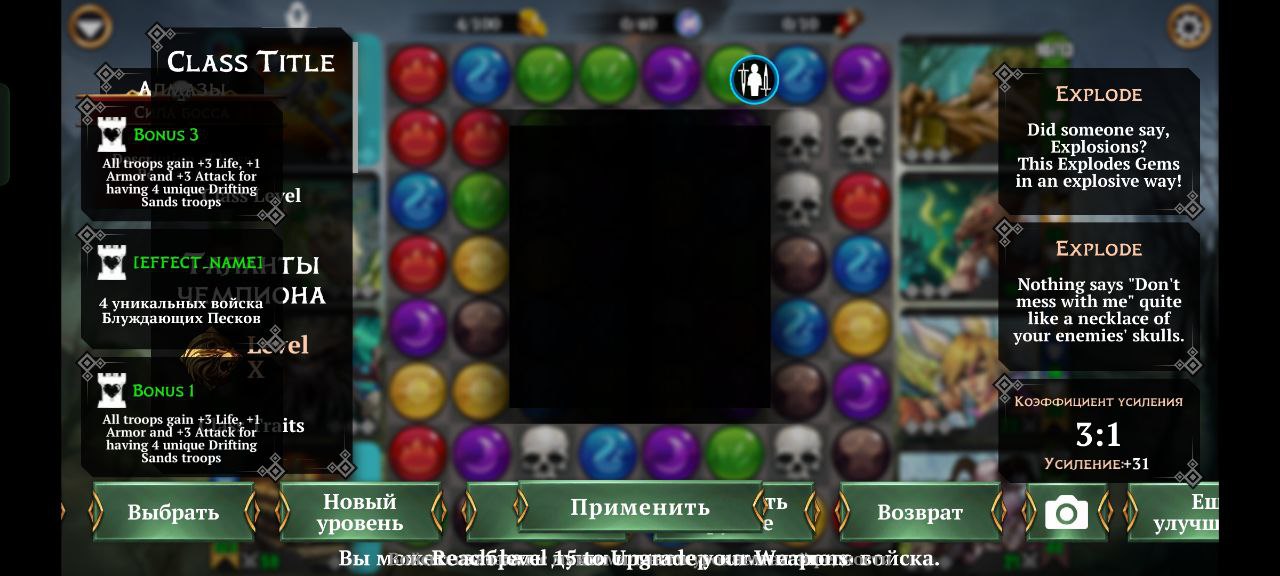
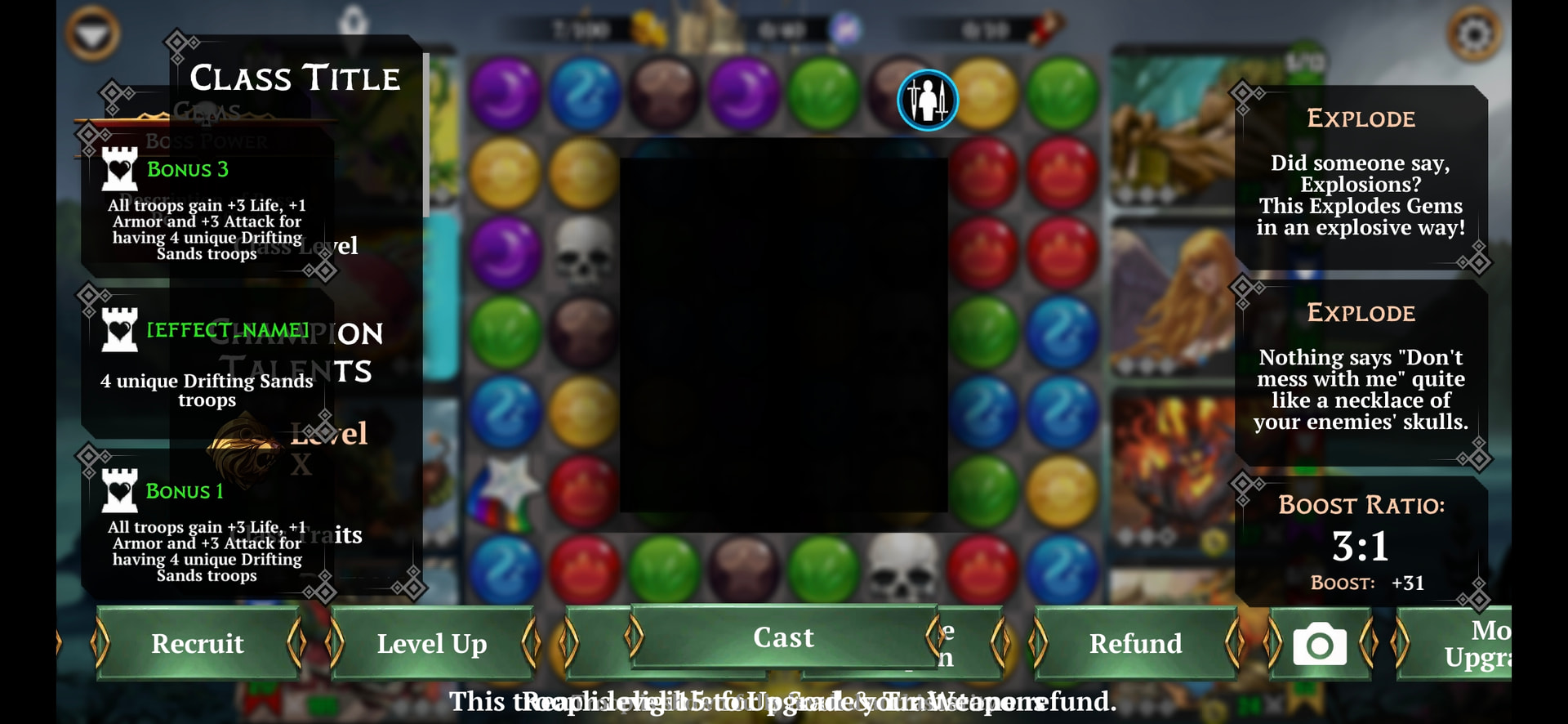
was about to
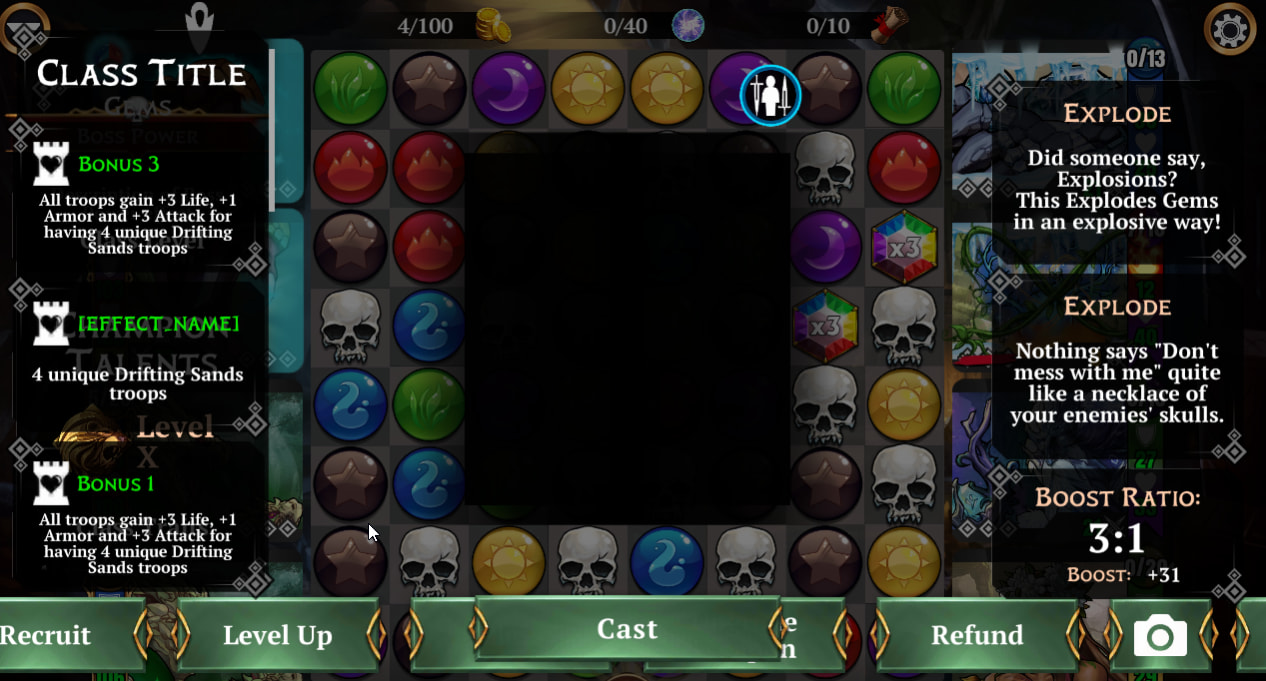
do Guild wars on mob and I can’t do anything than backing out.
If you closed and relaunched, were you taken back into the battle without issue?
Also, was this as soon as the battle loaded or after a turn/action was taken?
Wait, we can continue battles after restarting the game? It not longer counts as a loss?
Last time it happened to me was in the middle of a GW battle. Don’t quite remember what I did, I think I just clicked on a Wand of Stars ready to cast and got this mess.
Wouldn’t this automatically count as a loss? As far back as I remember, all battles count as a loss if the game has to be closed, or crashes, for any reason. Relaunching the game has never taken me back into a battle that forced me to close it.
If I experienced this same bug myself, I would expect an auto-defeat.
I have exactly the same bug today. It causes you to lose the battle if you can’t win with skulls without the spell menu
Devs don’t know it 
For players this has happened to, I need to know
When exactly did it happen, when you viewed your own troop, or an opponent troop? Also, which specific troop?
I got this interface in guild wars battle. I started the battle and when I selected my party’s spell, this screen appeared. My troop and class information were not saved
You don’t remember which troop you tapped on to look at their spell?
I tapped on the weapon and a troop who where both up. I used The ruby weapon and takshakka. Tried to cast them both, but got [see screenshot]. I don’t recal matching gems. so I pulled out of the fight and lost a battle. Hope this info will help solve thimgs! Thank you for answering!
I’ll pass this on to the team, we think this will be fixed in 9.1 anyways at least 
Thank you! Despite everything that’s happening rn. You still take the time to answer. Stay Safe 
Ive just had the same bug in a guild war battle today.
You wanted details of teams etc @Jeto so here it is as best as I can remember.
I was using Stringfiddler, Turnip, Zarg and Trogolin and Thief class. It was against a green keep, 4th battle, top route. The opponents were a 3k AI team and I lost because I couldn’t cast a spell and was permanently entangled by the sentinel at the top of the team.
I just had the most painful 10 mins of my life.
After restarting the game it was working normally so when I redid the battle I won with no issues but it meant I couldn’t take on the Palace and its really annoying.
Please can I have my battle back so I can beat the Palace??