Platform, device version and operating system:
Windows 11
Screenshot or image:


What you were expecting to happen, and what actually happened:
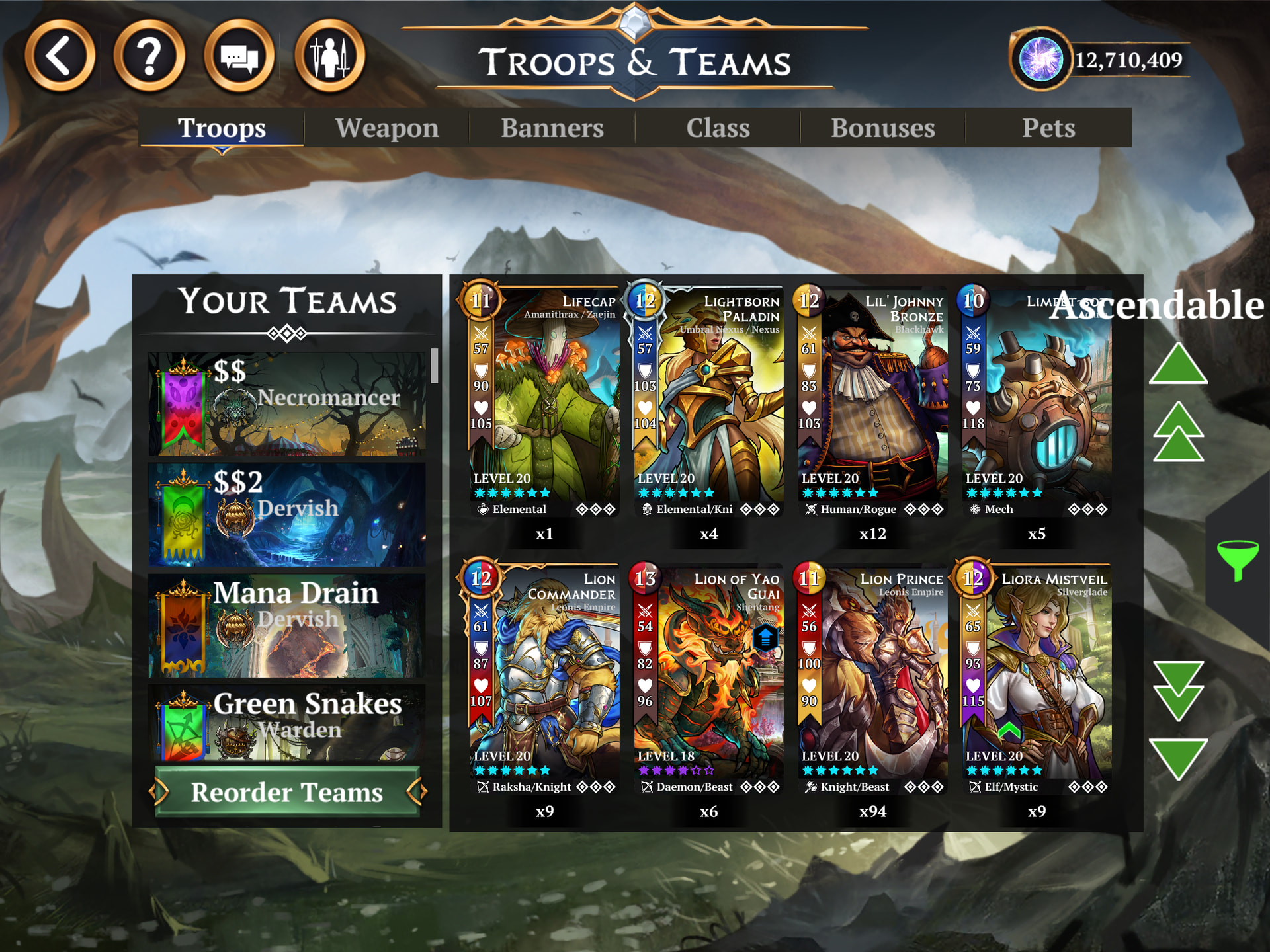
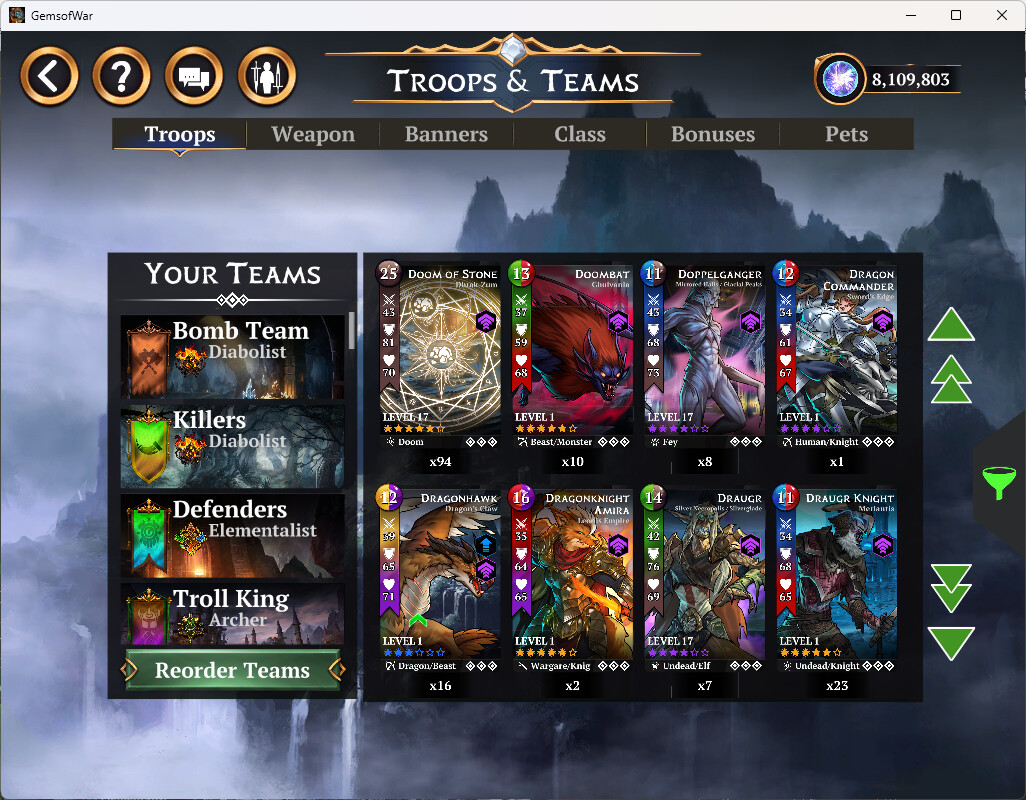
Before adding “not max level” icon, sorting worked as expected: it has troops with not purchased (but available to purchase) traits at the top, then were troops with available rarity increase, and at last there were everything else. Inside these categories troops were sorted alphabetically. So it weren’t possible to find non-maxed levels before.
As you can see, while traits are still on top and system push non-maxed levels after that, but now it ignores rarity upgrade, and sort out all such troops between non-maxed levels.
Moreover, Immortals were on top always (so simply weren’t sorted) before the change, and now they somehow splitted between non-sorted ones right below traits (six of them) - and “sorted” inside non-maxed ones (all others).
Can I ask for more logical sorting, please?
How often does this happen? When did it begin happening?
Always, after introduction of new upgrade system.
Steps to make it happen again
Have non-maxed levels, traits or rarity troops in collection. And try to sort them out.